Typeform
Typeform is a user-friendly form builder that creates interactive and engaging surveys and questionnaires.
Website
Industry
Form
Share this article:

How to add a Yes/No content to an existing typeform in Typeform

Here is how to add a yes/no content to an existing typeform in typeform

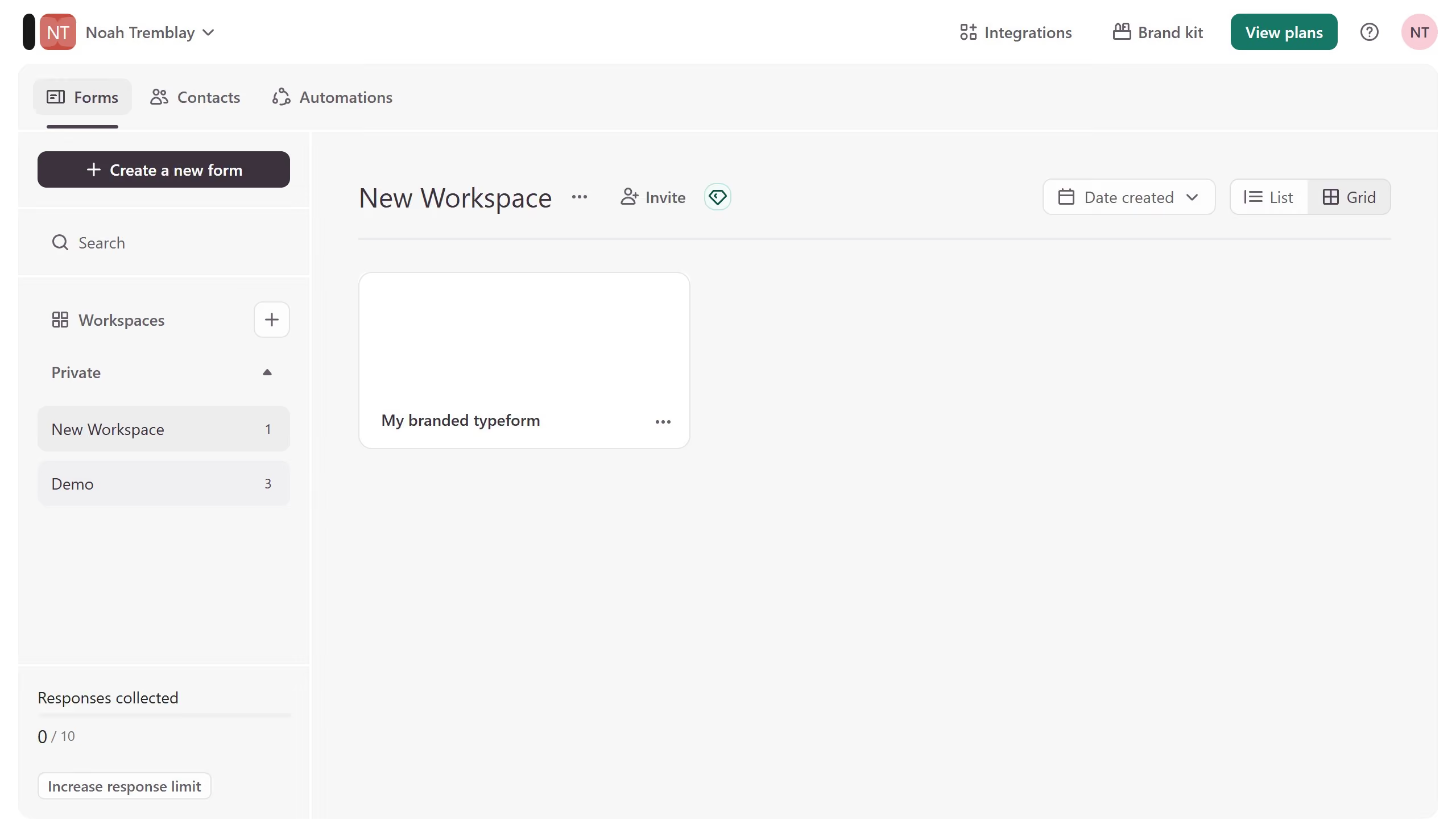
  1. First click on the a workspace item in the sidebar
  2. Then click on the "..." icon next to a chosen Typeform
  3. Then select "Content" from the dropdown menu
  4. Then click on the "+ Add content" button
  5. Finally select "Yes/No" from the "Choice" section

Create your own interactive guide with Guideflow

Why should you add a Yes/No content to an existing typeform in Typeform

Typeform is a versatile online platform designed to create engaging and interactive forms seamlessly.

Adding a Yes/No content block to an existing typeform enhances your survey by simplifying decision-making for respondents and streamlining data collection. This feature is perfect for when you need quick, binary responses to gauge opinions or make swift decisions.

Utilizing this option ensures a smoother user experience and allows for clearer, more focused insights, all while maintaining the fluidity Typeform is known for.


Last update
July 14, 2026
Cursor MariaA cursor points to a button labeled "James."

Loo oma esimene demo vähem kui 30 sekundiga.