Typeform
Typeform is a user-friendly form builder that creates interactive and engaging surveys and questionnaires.
Website
Industry
Form
Share this article:

How to add a Website content to a form in Typeform

Here is how to add a website content to a form in typeform

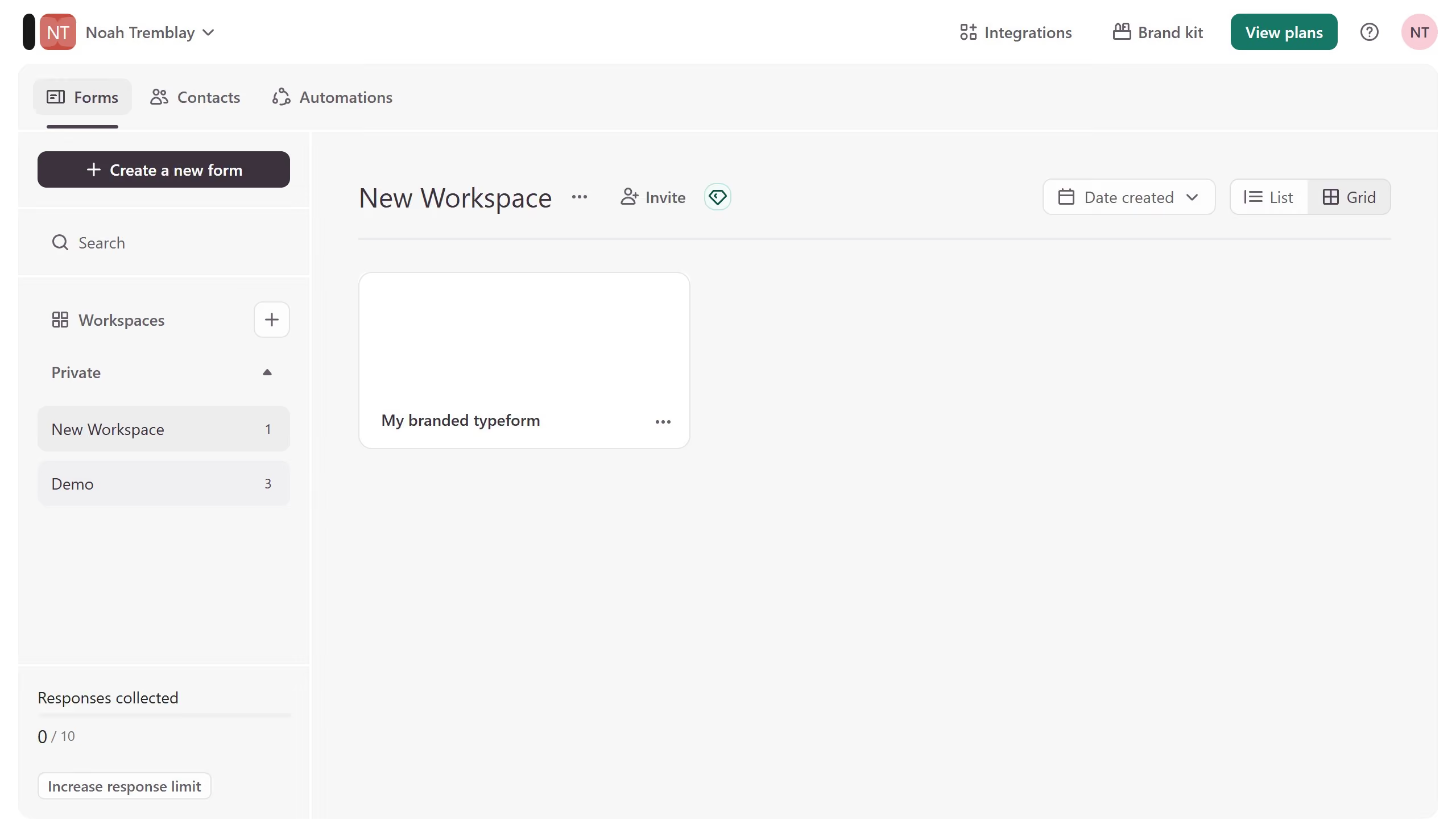
  1. First click on the a workspace item in the sidebar
  2. Then click on the "..." icon next to a chosen Typeform
  3. Then select "Content" from the dropdown menu
  4. Then click on the "+ Add content" button
  5. Finally select "Website" from the "Contact Info" section

Create your own interactive guide with Guideflow

Why should you add a Website content to a form in Typeform

Typeform is a versatile tool designed to create engaging and interactive forms that captivate users.

Adding website content to a Typeform ensures that your audience experiences a seamless blend of your brand’s narrative and the form's purpose. This feature allows for embedding dynamic information that keeps users informed and engaged as they navigate through the form.

By integrating website content, you enhance the user journey, transforming a simple form into a rich interactive experience. The added context not only sustains attention but also fosters a deeper connection with your audience.


Last update
July 14, 2026
Cursor MariaA cursor points to a button labeled "James."

Loo oma esimene demo vähem kui 30 sekundiga.