Typeform
Typeform is a user-friendly form builder that creates interactive and engaging surveys and questionnaires.
Website
Industry
Form
Share this article:

How to add a Phone Number content to a form in Typeform

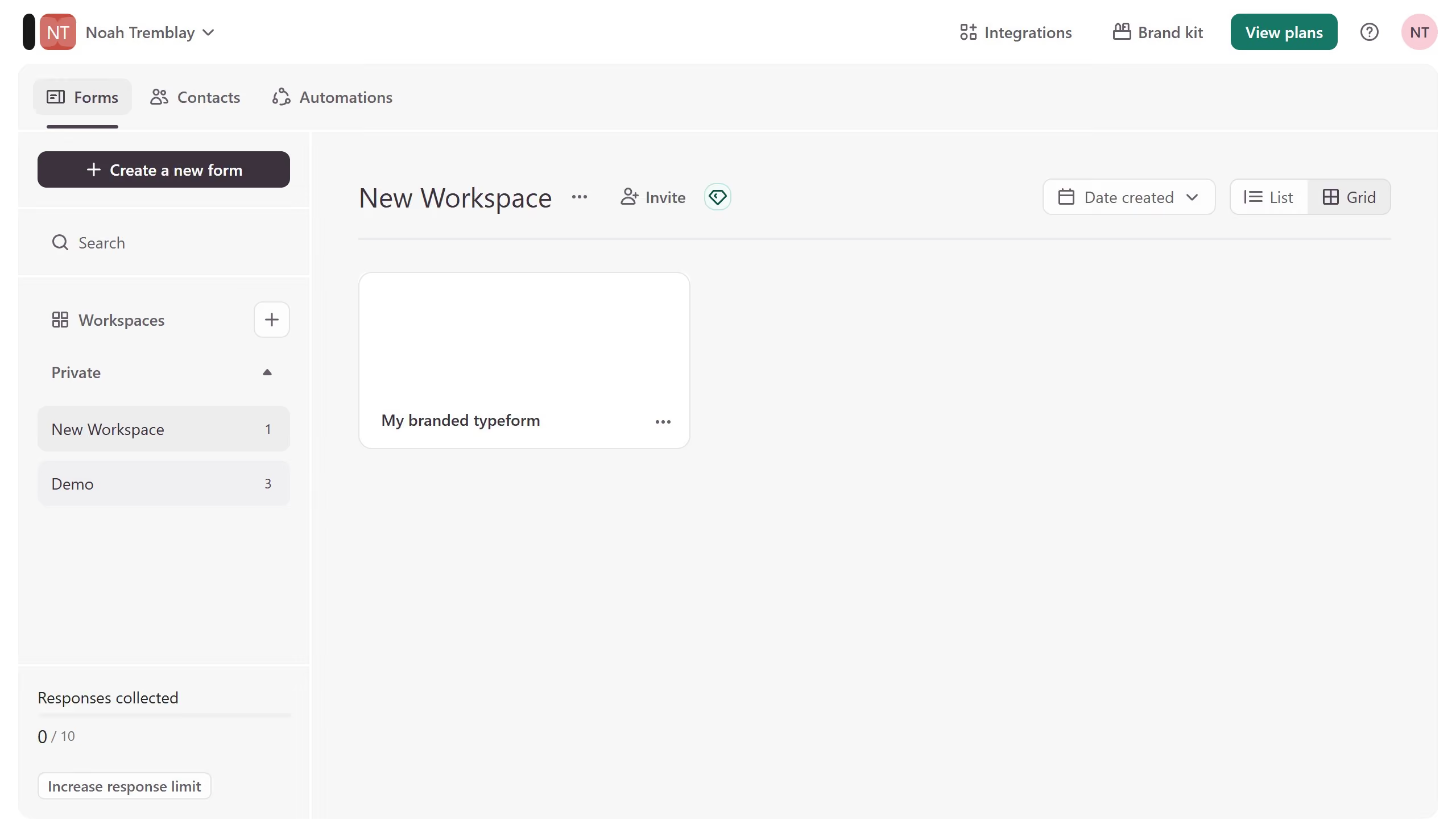
Here is how to add a phone number content to a form in typeform

  1. First click on the a workspace item in the sidebar
  2. Then click on the "..." icon next to a chosen Typeform
  3. Then select "Content" from the dropdown menu
  4. Then click on the "+ Add content" button
  5. Finally select "Phone Number" from the "Contact Info" section

Create your own interactive guide with Guideflow

Why should you add a Phone Number content to a form in Typeform

Typeform is an innovative platform designed to create engaging and interactive forms.

Including a Phone Number field in a Typeform ensures you can easily and efficiently collect essential contact details from respondents.

This feature not only facilitates smooth communication but also adds a layer of personalization, making follow-ups and customer service more responsive.

It streamlines data collection, ensuring accuracy and consistency, ultimately enhancing user experience and engagement.

Last update
July 14, 2026
Cursor MariaA cursor points to a button labeled "James."

Loo oma esimene demo vähem kui 30 sekundiga.