Trello
Trello is a flexible work management tool that helps teams ideate, collaborate, organize workflows, and track progress. Its boards, lists, and cards make it easy to plan, prioritize, and manage projects in a visual and rewarding way.
Website
Industry
Collaboration
Share this article:

How to add a location to a card in Trello

Here is how to add a location to a card in trello

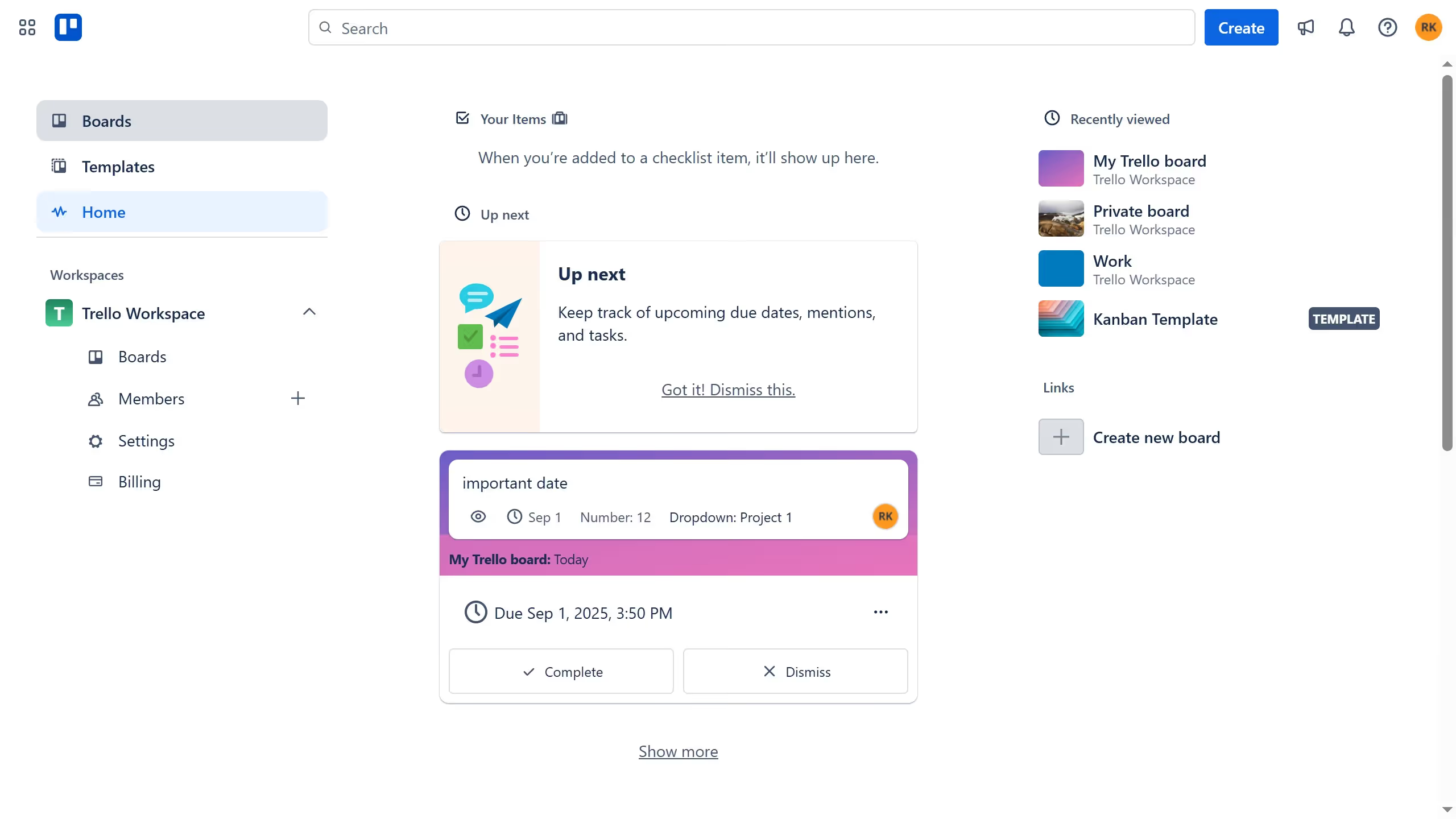
  1. First click on the "Boards" option in the left sidebar navigation
  2. Then click on the board that has a card where you want to add a location in the workspace section
  3. Next click on the card you want to add a location
  4. Click on the "Add" button in the card details panel
  5. Select "Location" from the dropdown menu that appears
  6. Click on the "Search Google Maps" textbox and type in the desired location for the card
  7. Finally celect the location from the location search results to add the location

Create your own interactive guide with Guideflow

Why should you add a location to a card in Trello

Trello, designed for organizing tasks and projects with ease, is your go-to collaboration tool that makes team management a breeze.

Adding a location to a card in Trello enhances team engagement by providing geographical context. This feature is invaluable for teams that operate across multiple regions or manage location-specific projects.

Additionally, it enriches project narratives by giving clear insights into where tasks are based. Ultimately, this fosters a more connected and informed team environment, crucial for efficient project execution.

Last update
July 14, 2026
Cursor MariaA cursor points to a button labeled "James."

Loo oma esimene demo vähem kui 30 sekundiga.