Mailchimp
Mailchimp is an email marketing and automation platform for customer engagement.
Website
Industry
Email
Share this article:

How to add a last name field to a signup form on a landing page in Mailchimp

Here is how to add a last name field to a signup form on a landing page in mailchimp

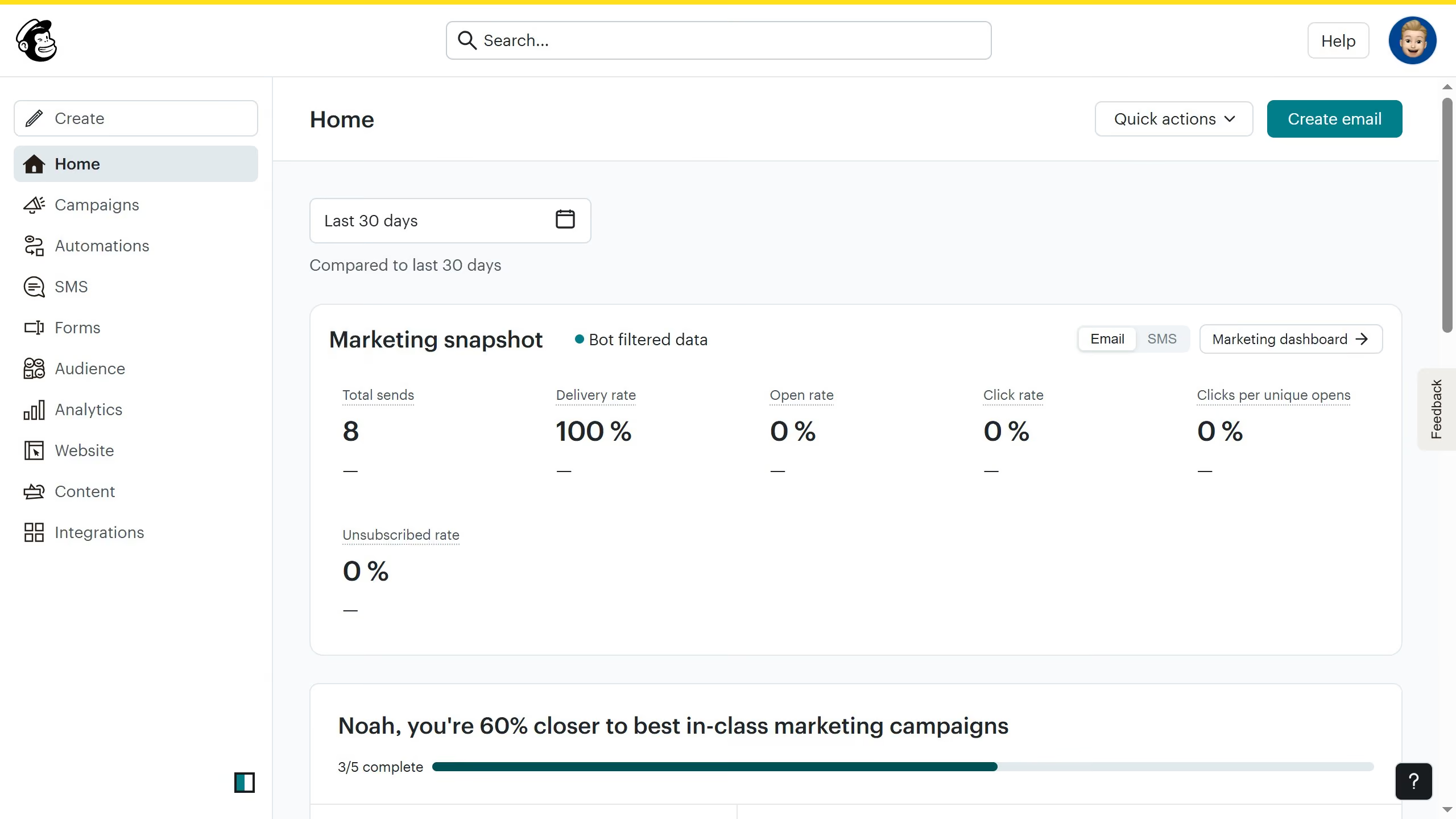
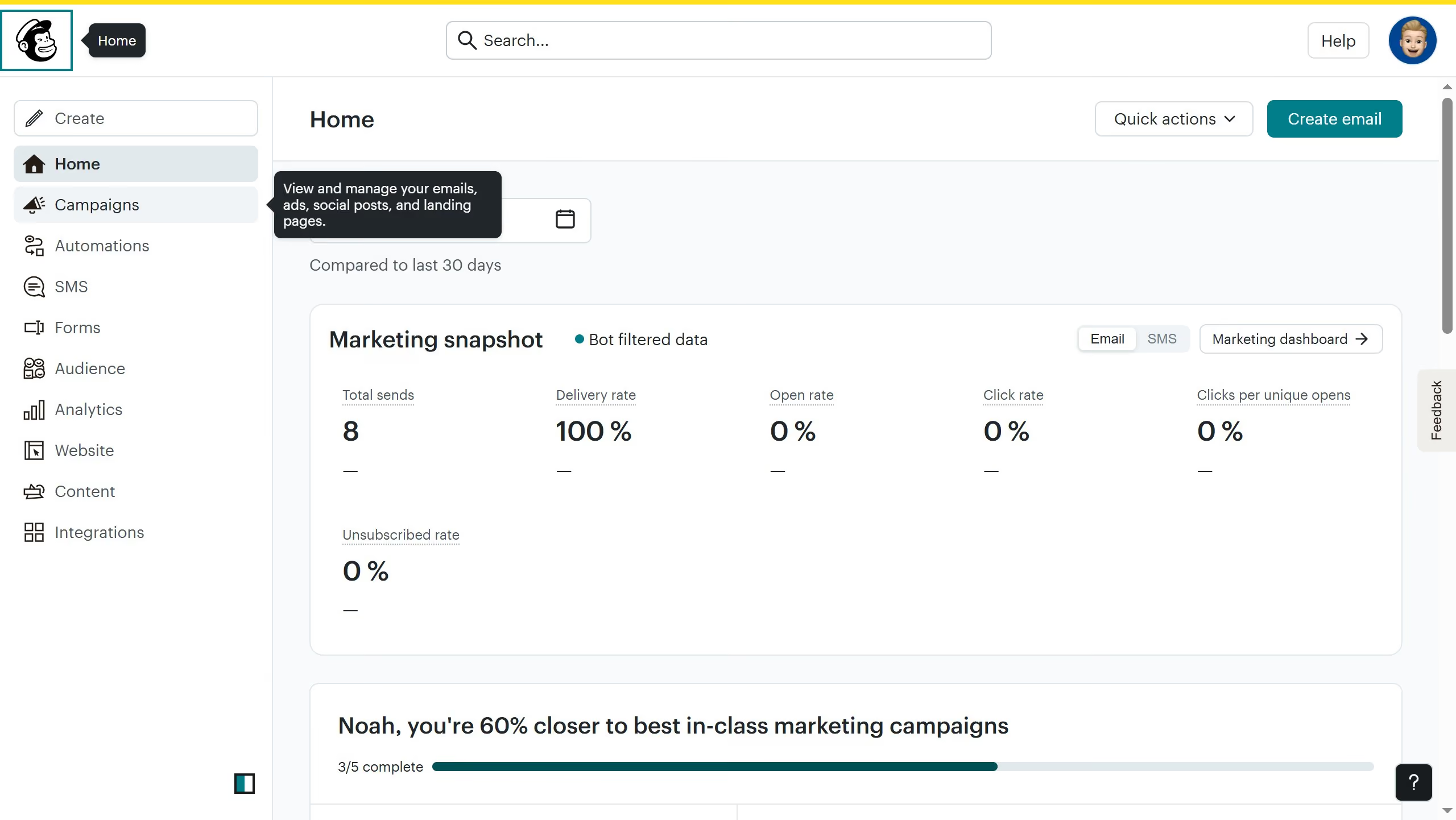
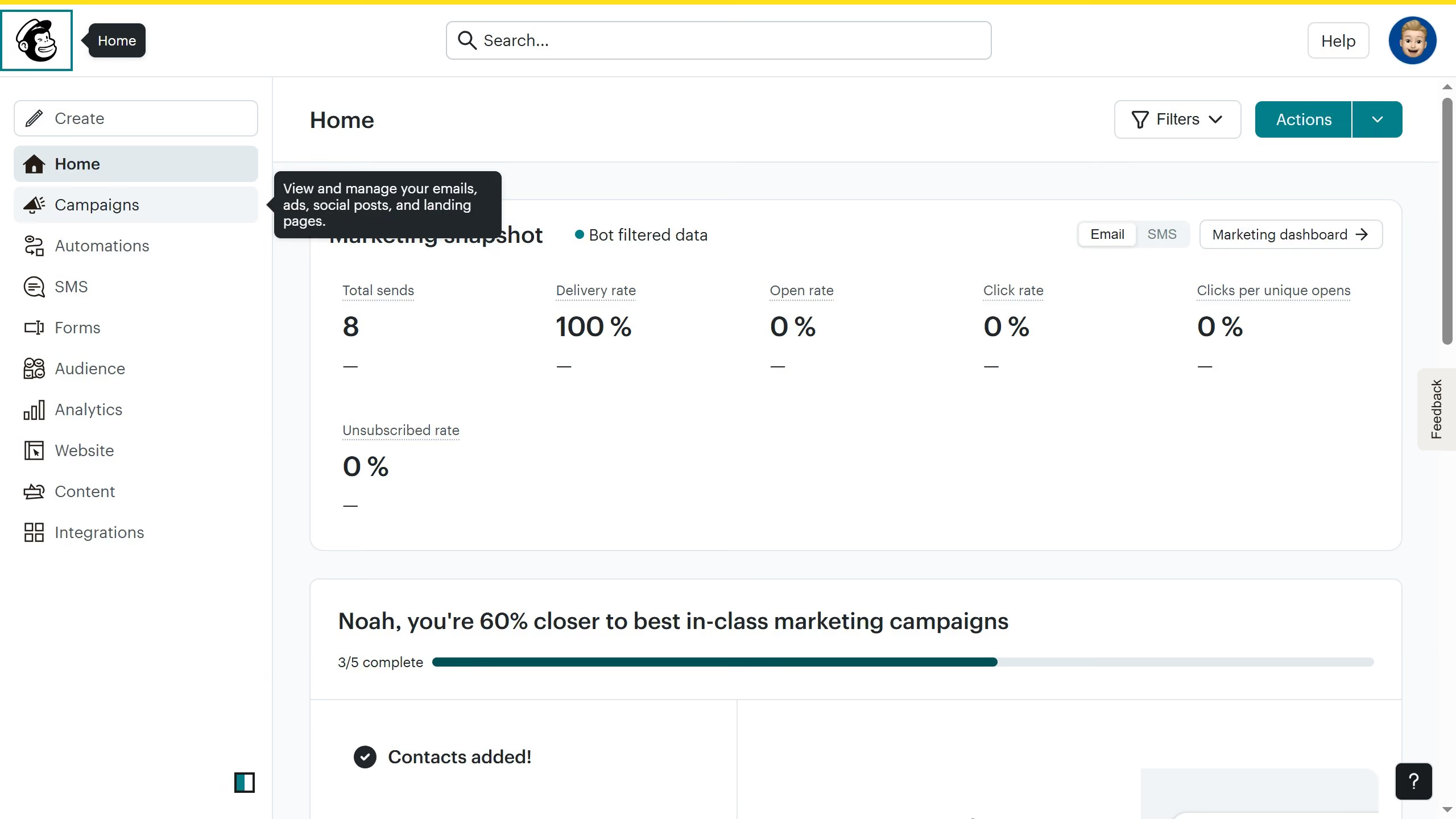
  1. First click on "Home" link in the left sidebar
  2. Then click on "Edit" button
  3. Next click on "Edit design" button
  4. Then click on "Edit" icon
  5. Next click on "Last Name" checkbox
  6. Finally click on "Save & Close" button

Create your own interactive guide with Guideflow

Why should you add a last name field to a signup form on a landing page in Mailchimp

Mailchimp is a versatile email marketing platform that streamlines communication with your audience.

Incorporating a last name field in your signup form on a Mailchimp landing page enhances personalization, fostering a deeper connection with your subscribers.

By capturing last names, you can create tailored communication strategies, making your emails feel more personal and targeted.

Moreover, this small addition can increase the perceived value and relevance of your campaigns, encouraging higher engagement and fostering loyalty.


Last update
July 14, 2026
Cursor MariaA cursor points to a button labeled "James."

Loo oma esimene demo vähem kui 30 sekundiga.