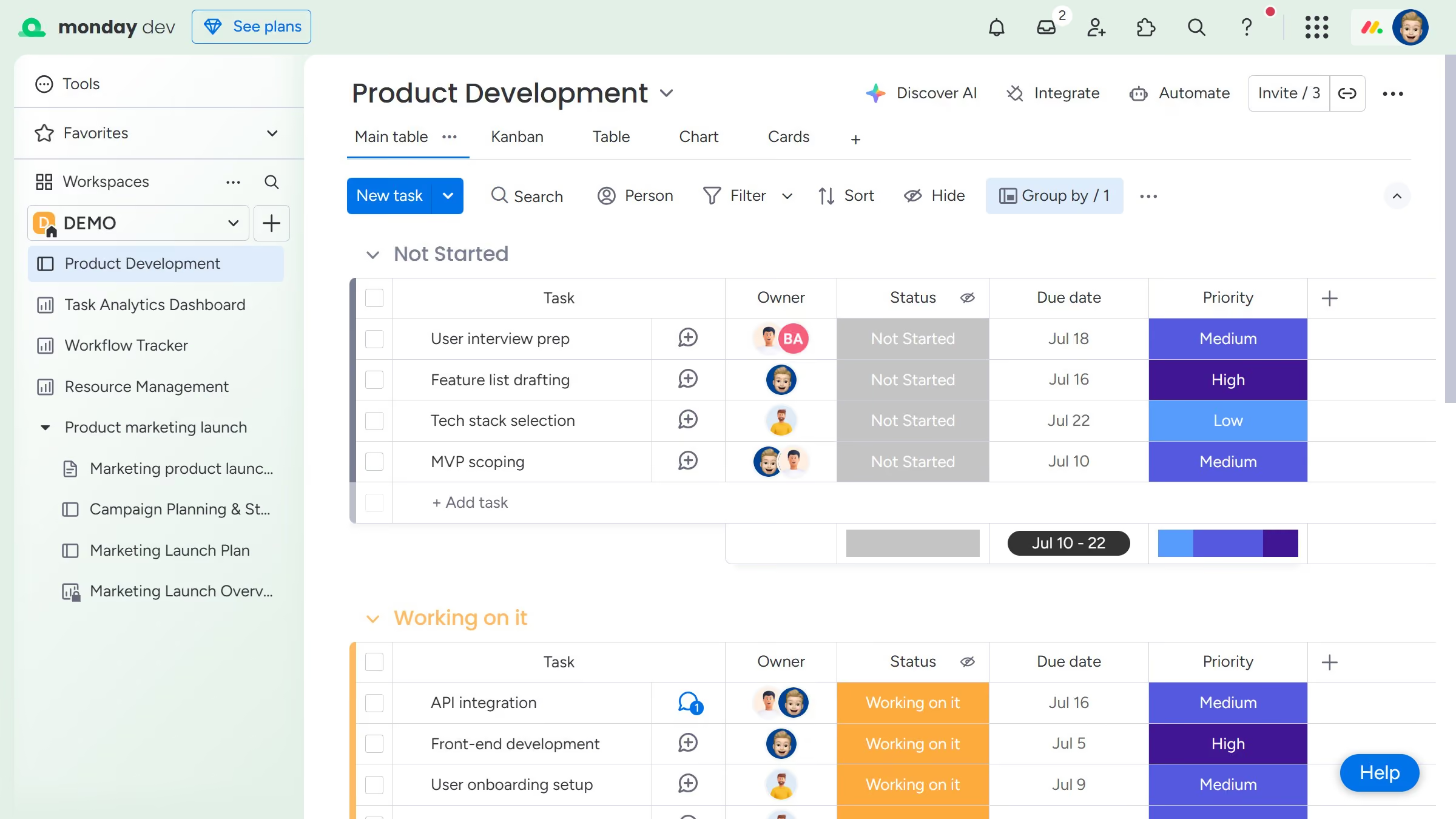
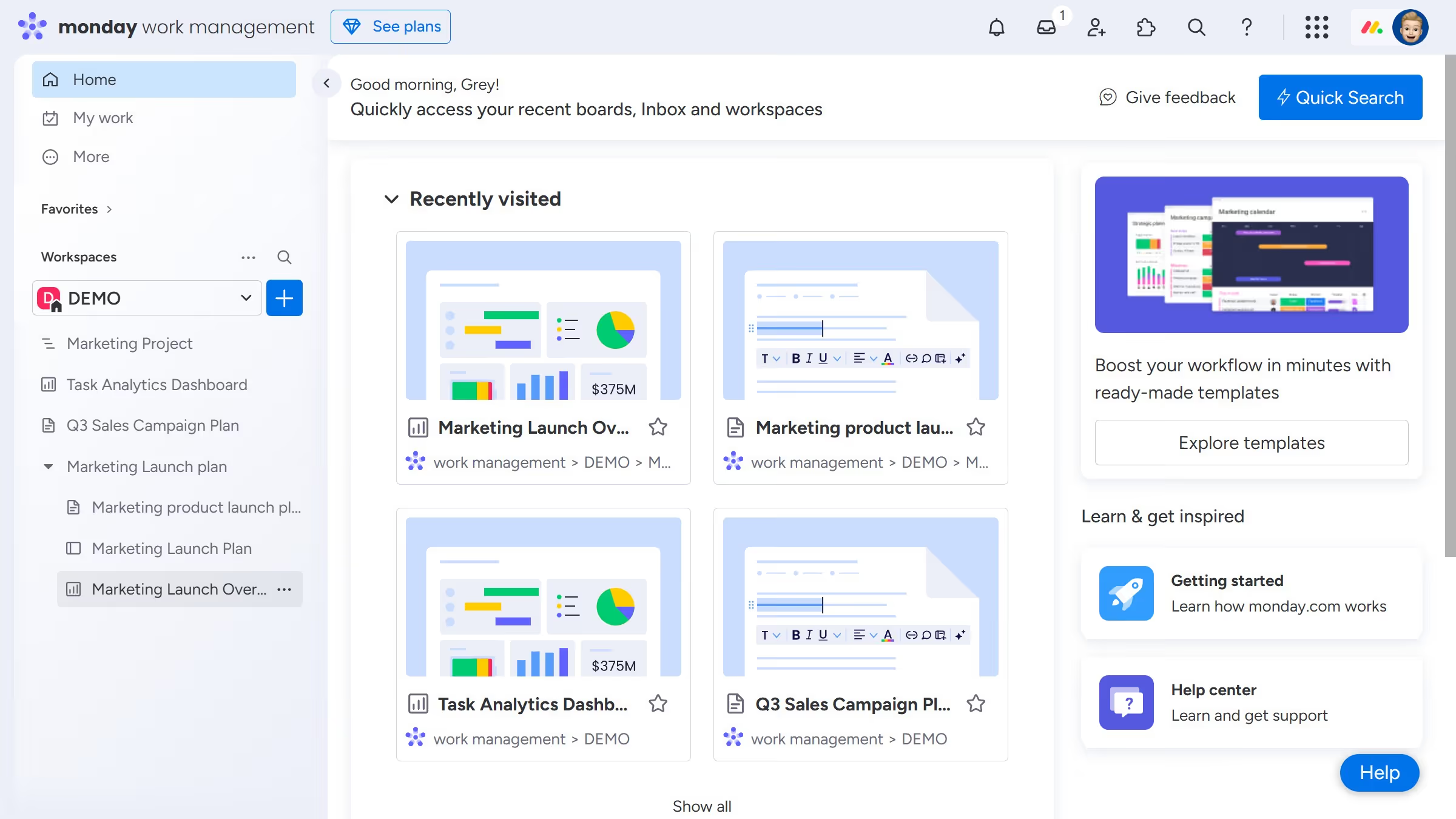
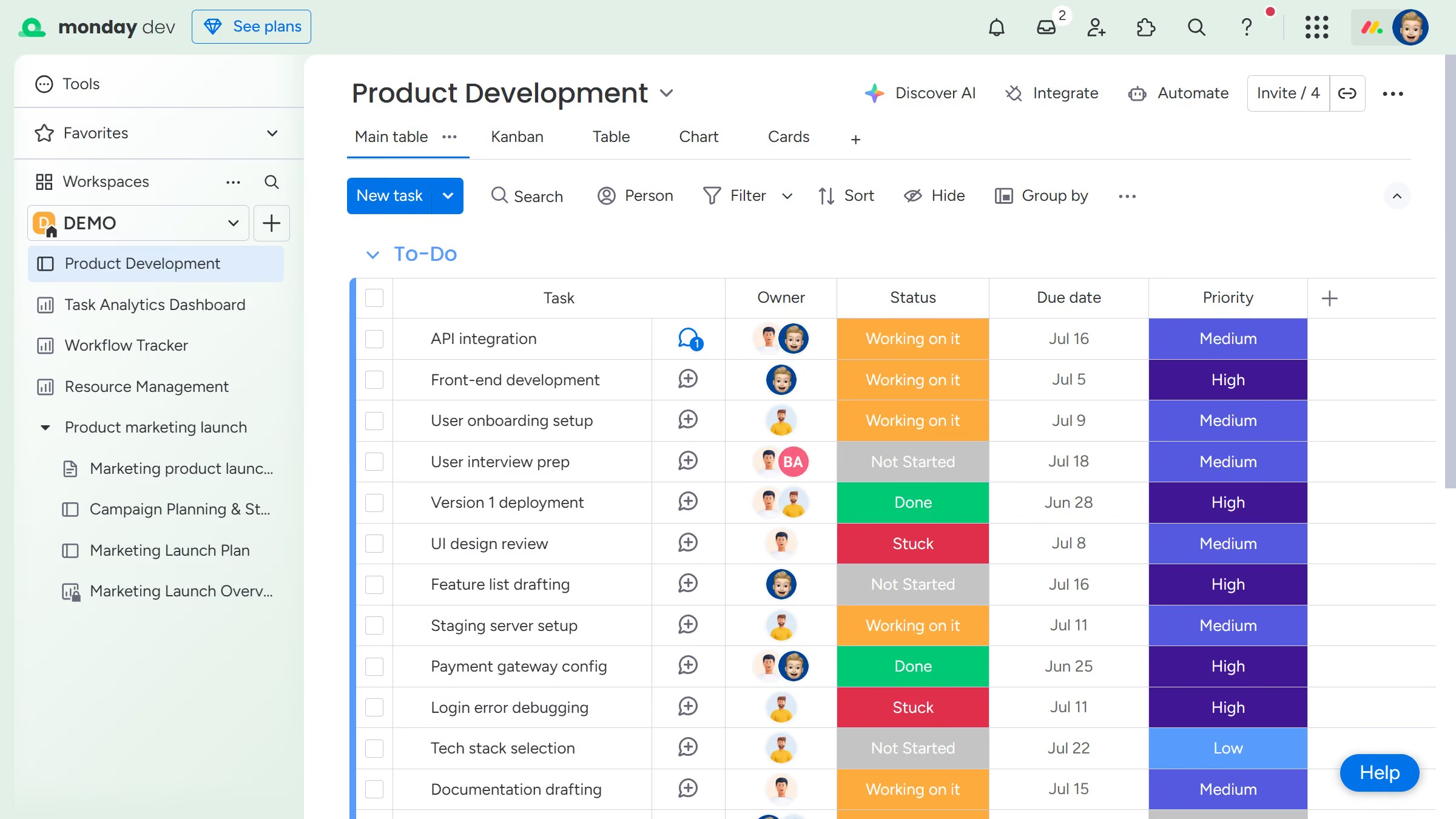
Here is how to add a column in monday.com
- First click the "+" button on the far right side of the column headers
- Then select the column type you want to add
- The new column will appear on your board


Create your own interactive guide with Guideflow
Monday.com is a versatile work operating system designed to streamline and manage projects efficiently.
Adding a column in Monday.com enhances your ability to customize and structure data according to specific project needs, whether it's for tracking deadlines, assignees, or any other relevant details.
This feature empowers teams to tailor their workspace dynamically, promoting clarity and allowing for a more refined organizational approach.
With streamlined data visualization, making quick, informed decisions becomes much more manageable, ensuring projects run smoothly and efficiently.
Why leading companies build with Guideflow