

Your design work is stuck between three tools that do not talk to each other. Concepts live in one app, prototypes in another, and engineering waits on a handoff that never quite matches what shipped. Meanwhile the roadmap keeps moving.
That gap costs you activation experiments, feature validation, and clean design-to-dev handoff. When the wrong tool sits in the middle, iteration slows and cross-functional alignment breaks.
The stakes are real. The global product design software market reached $12.8 billion in 2025 and is projected to hit $23.9 billion by 2034, growing at a 7.8% CAGR, according to MarketIntelo (2025). Cloud-native, collaborative tooling is driving that growth, with cloud-based design software accounting for 56.3% of the market per the same report.
So the question is not which tool is most popular. It is which one fits how your team actually moves from idea to validated output.
What's inside
This guide is built for product managers and product teams choosing design tools by workflow, not brand hype.
We selected seven product design software tools based on:
- Workflow fit: where the tool sits between idea, prototype, and shipped output
- Collaboration depth: how well product, design, and engineering share one surface
- Prototyping and AI assistance: speed from concept to testable artifact
- Design-to-manufacturing coverage: whether the tool spans digital design, CAD, or 3D visualization
Each entry includes what it does, who it fits, key strengths, honest guidance, and current pricing verified against vendor pages.
TL;DR
- Best for AI-assisted design: UX Pilot AI generates wireframes and high-fidelity UI fast, then exports to Figma.
- Best for collaborative product teams: Figma keeps product, design, and engineering on one shared, multiplayer surface.
- Best for macOS-native workflows: Sketch pairs a fast desktop app with browser-based collaboration and handoff.
- Best for 3D visualization: Adobe Substance 3D handles texturing, materials, and rendered product visuals.
- Best for CAD and manufacturing: Autodesk Fusion covers modeling, simulation, and design for manufacturing in one cloud platform.
- Best for lightweight prototyping: Marvel offers browser-based prototyping and user testing without heavy setup.
- Best for design-to-build: Webflow moves visual designs to live, published web pages fast.
What is product design software
Product design software is the category of tools teams use to move a product from idea to validated, shippable output, spanning ideation, wireframing, prototyping, collaboration, CAD, 3D visualization, and design-to-manufacturing workflows.
The category is broad because "product" means different things across teams. For a SaaS product manager, it means the interface, the prototype, and the handoff to engineering. For a hardware or consumer goods team, it can mean 3D modeling, simulation, and manufacturing files. Some product design tools cover one slice deeply. Others try to span the full journey.
Here are the core capabilities most product design tools offer:
- Ideation and wireframing: turn rough concepts into low-fidelity layouts fast
- High-fidelity design: build pixel-accurate screens with components and design systems
- Prototyping: wire interactions and flows for testing before code
- Collaboration and review: shared editing, comments, and version control across teams
- AI assistance: generate layouts, variants, and content to speed early exploration
- Developer handoff: specs, tokens, and inspect modes that reduce build friction
- CAD and 3D: parametric modeling, texturing, and rendering for physical products
- Design-to-manufacturing: simulation, CAM, and BOM output for production
One useful split: digital product design tools (Figma, Sketch, Marvel, UX Pilot AI) focus on screens, flows, and interfaces. CAD and 3D tools (Autodesk Fusion, Adobe Substance 3D) focus on physical products, materials, and manufacturing. A few, like Webflow, blur the line between design and live implementation. Knowing which end of the spectrum you sit on narrows the shortlist quickly.
When to use product design software
Turn ideas into wireframes fast
Early discovery moves quicker when you can sketch a flow and share it the same day. AI-powered design tools now generate wireframes and first-draft UI from a prompt, so you validate a direction before investing engineering hours.
This matters most when you are testing multiple concepts against one problem. Speed to a shareable artifact beats polish at this stage.
Collaborate across product, design, and engineering
Product design breaks down when work sits in silos. A shared surface where PMs comment, designers iterate, and engineers inspect specs keeps everyone aligned across release cadence.
Use collaborative product design tools when your team is distributed, your product ships often, or handoff mistakes keep creeping into builds. One source of truth cuts the "which version is final" problem.
Move from concept to prototype, code, or manufacturing
The last mile depends on what you are building. Digital teams need interactive prototypes for user testing and clean specs for developers. Hardware and consumer goods teams need CAD, simulation, and manufacturing output.
Choose based on where your workflow ends. A prototyping tool suits a SaaS onboarding flow. A CAD platform suits a physical product headed to a factory.
Comparison table
Here are the seven tools side by side. UX Pilot AI leads because AI-assisted breadth is where much of the 2026 search interest sits, and it works as a fast entry point into design. After the table, a short read on which tool fits which workflow.
#
Product
Best for
Key differentiator
Pricing
G2 rating
1
UX Pilot AI
AI-assisted design
Generates wireframes and UI, exports to Figma
Free; paid from $7.49/mo
4.1/5
2
Figma
Collaborative product teams
Real-time multiplayer plus Dev Mode
Free; Professional $16/mo
4.6/5
3
Sketch
macOS-native design
Native Mac app plus web collaboration
From $12/mo per editor
4.5/5
4
Adobe Substance 3D
3D visualization
Texturing, materials, and rendering suite
From $59.99/mo
4.6/5
5
Autodesk Fusion
CAD and manufacturing
CAD, CAM, and simulation in one cloud tool
Free personal; $85/mo
4.5/5
6
Marvel
Lightweight prototyping
Browser prototyping with user testing
Free; Pro $12/mo
4.4/5
7
Webflow
Design-to-build
Visual design to published web pages
Free; Basic $15/mo
4.4/5
If you need speed on concepts, start with UX Pilot AI or Marvel. If collaboration is the bottleneck, Figma or Sketch fit. For physical products, Autodesk Fusion and Adobe Substance 3D cover CAD and 3D. Webflow sits at the edge, turning design into live web output.
Best 7 product design software tools for 2026
1. UX Pilot AI
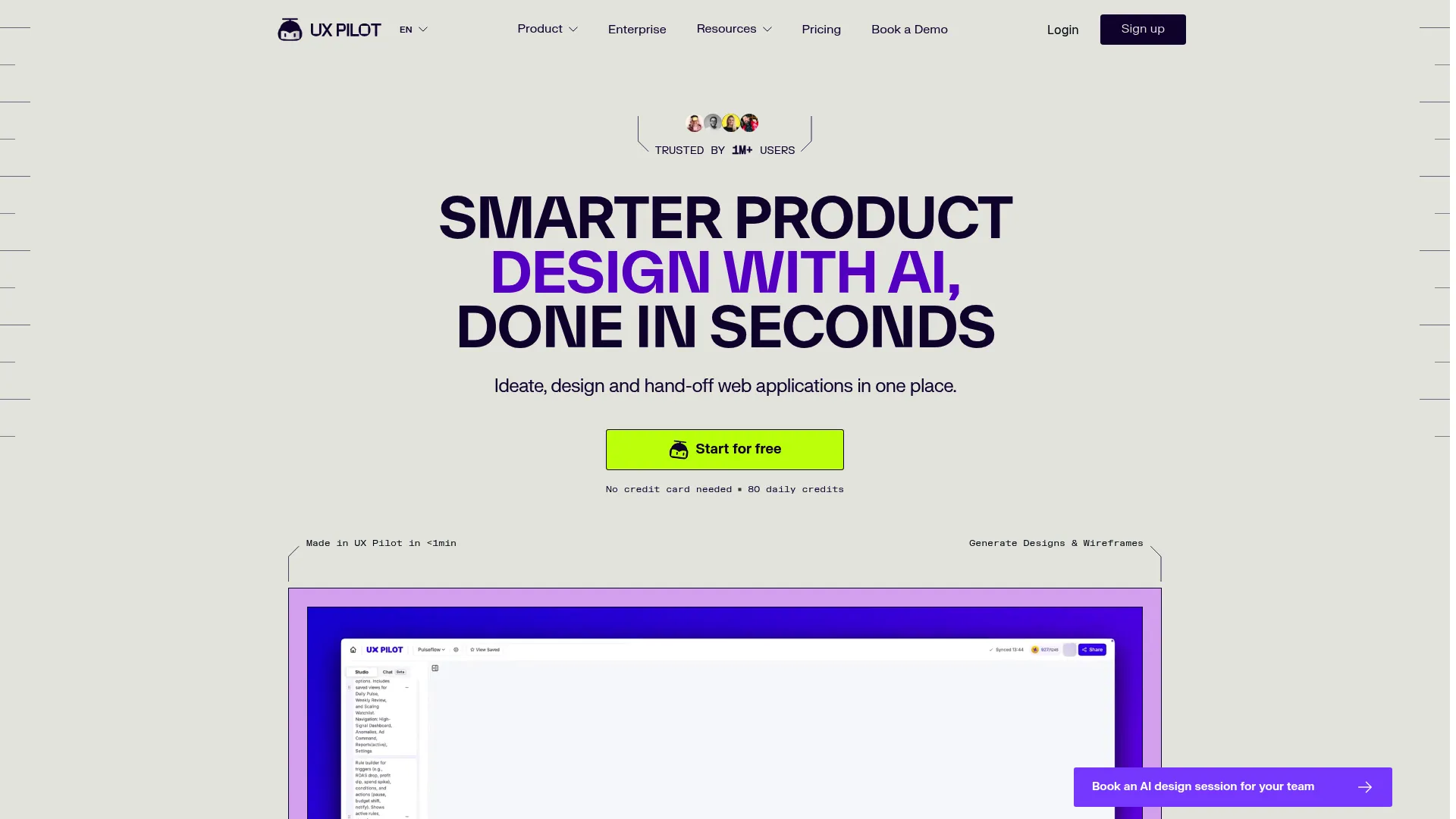
UX Pilot AI is an AI product design software that generates wireframes and high-fidelity UI from prompts, then exports the output into Figma-ready designs. For a PM running early discovery, it collapses the gap between a concept and a shareable mockup. Instead of waiting on a designer for the first draft, you get something to react to in minutes.
Best for: Founders and PMs who need to explore and validate UI concepts quickly before committing design resources.
Key features
- High-fidelity wireframe and UI generation
- Figma export and integration
- Design system flexibility
- Predictive validation and accessibility review
Why choose UX Pilot AI: It fits teams that want to move fast on early concepts and hand a cleaner starting point to designers. It is a strong entry into ai powered design tools when speed to a first artifact matters more than final polish.
UX Pilot AI pricing: A free plan is available, and paid plans start at $7.49 per month.
UX Pilot AI holds a G2 rating of 4.1 out of 5.
2. Figma
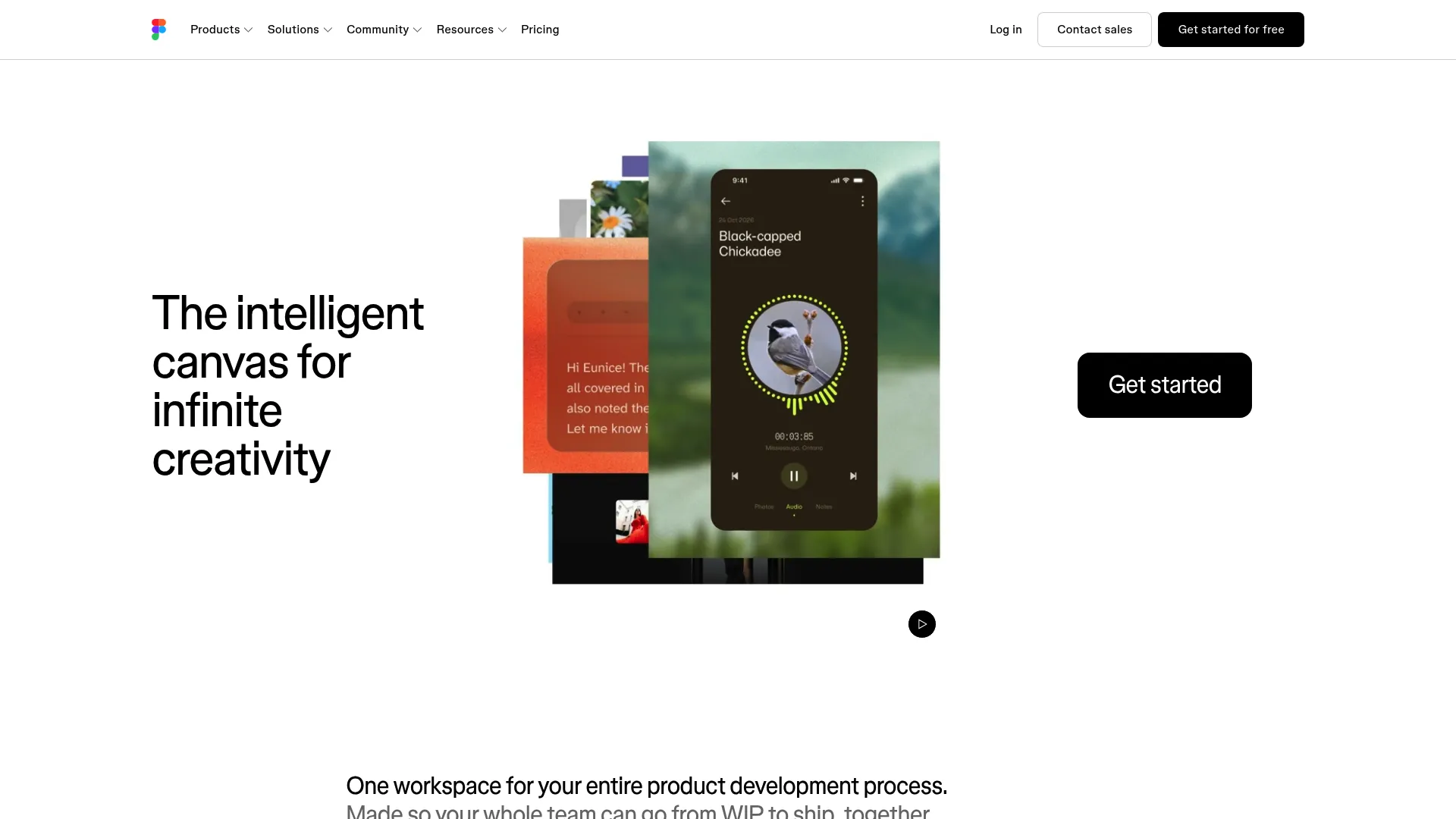
Figma is a collaborative design platform where teams create, prototype, and ship digital products together. Its multiplayer model means product, design, and engineering work on one live surface, with comments, components, and variables in the same file. For cross-functional product teams, this is the closest thing to a single source of truth for design.
Best for: Product teams that need real-time collaboration and clean developer handoff in one place.
Key features
- Unlimited files and projects on Professional
- Team-wide design libraries
- Advanced Dev Mode inspection and MCP Server
- Prototyping, branching, and variables
Why choose Figma: If collaboration and handoff are your bottleneck, Figma removes the version confusion that stalls builds. It is the default for teams that ship often and need engineering to inspect specs directly.
Figma pricing: The Starter plan is free. Professional is $16 per month, Organization is $55 per month billed annually, and Enterprise is $90 per month billed annually.
Figma holds a G2 rating of 4.6 out of 5.
3. Sketch
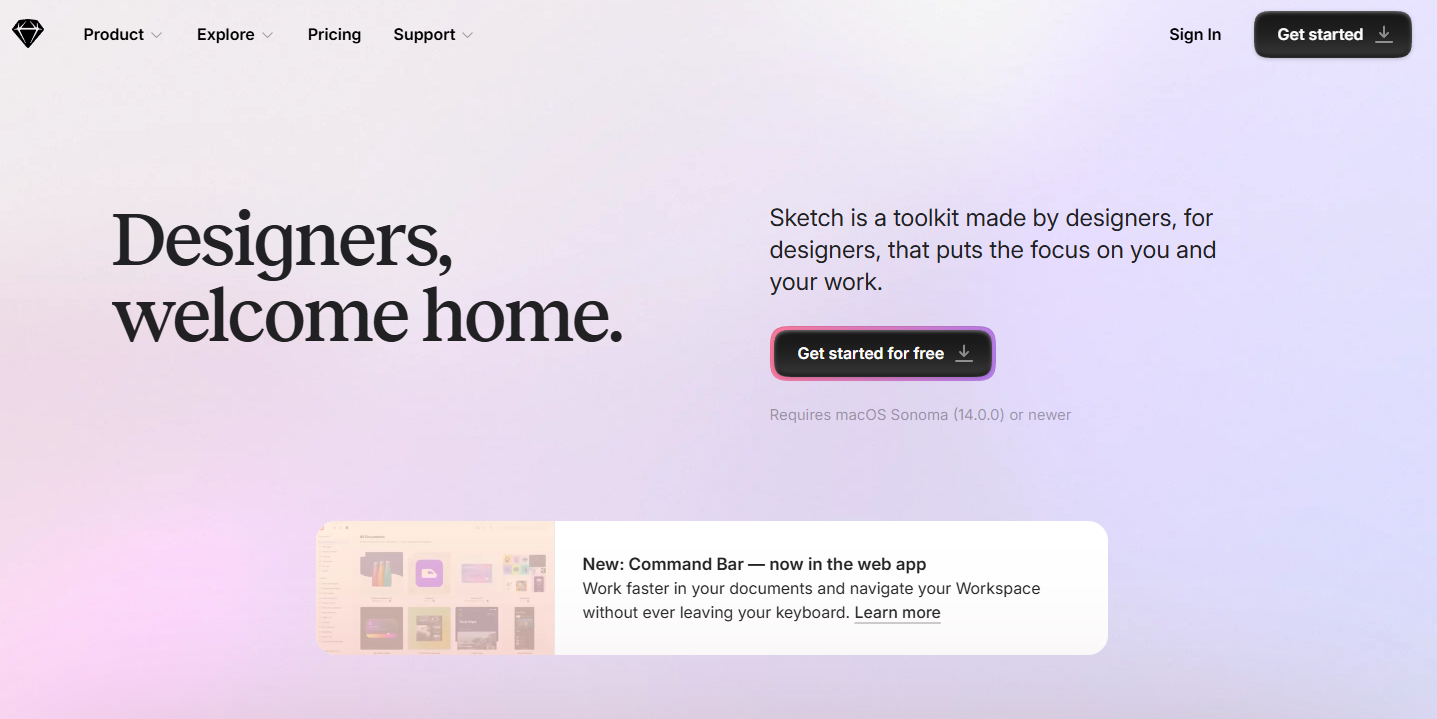
Sketch pairs a native macOS design app with a web app for collaboration and developer handoff. Teams that prefer a fast desktop workflow, with local control over files, tend to favor it. It covers prototyping, comments, and real-time collaboration without leaving the Mac-first experience many designers grew up on.
Best for: Product design teams on macOS that want a fast desktop app plus browser-based collaboration.
Key features
- Native macOS design app
- Browser-based collaboration and handoff
- Prototyping and comments
- Real-time collaboration
Why choose Sketch: It suits teams committed to macOS that value a responsive desktop editor over a fully browser-based one. The web app still covers review and handoff for cross-functional work.
Sketch pricing: The Standard plan is $12 per month per editor billed yearly, Professional is $24 per month per editor, and Enterprise is $44 per month per editor. A Mac-only license is $120 per seat as a one-time purchase. Sketch offers a 30-day free trial and free viewers rather than a free plan.
Sketch holds a G2 rating of 4.5 out of 5.
4. Adobe Substance 3D
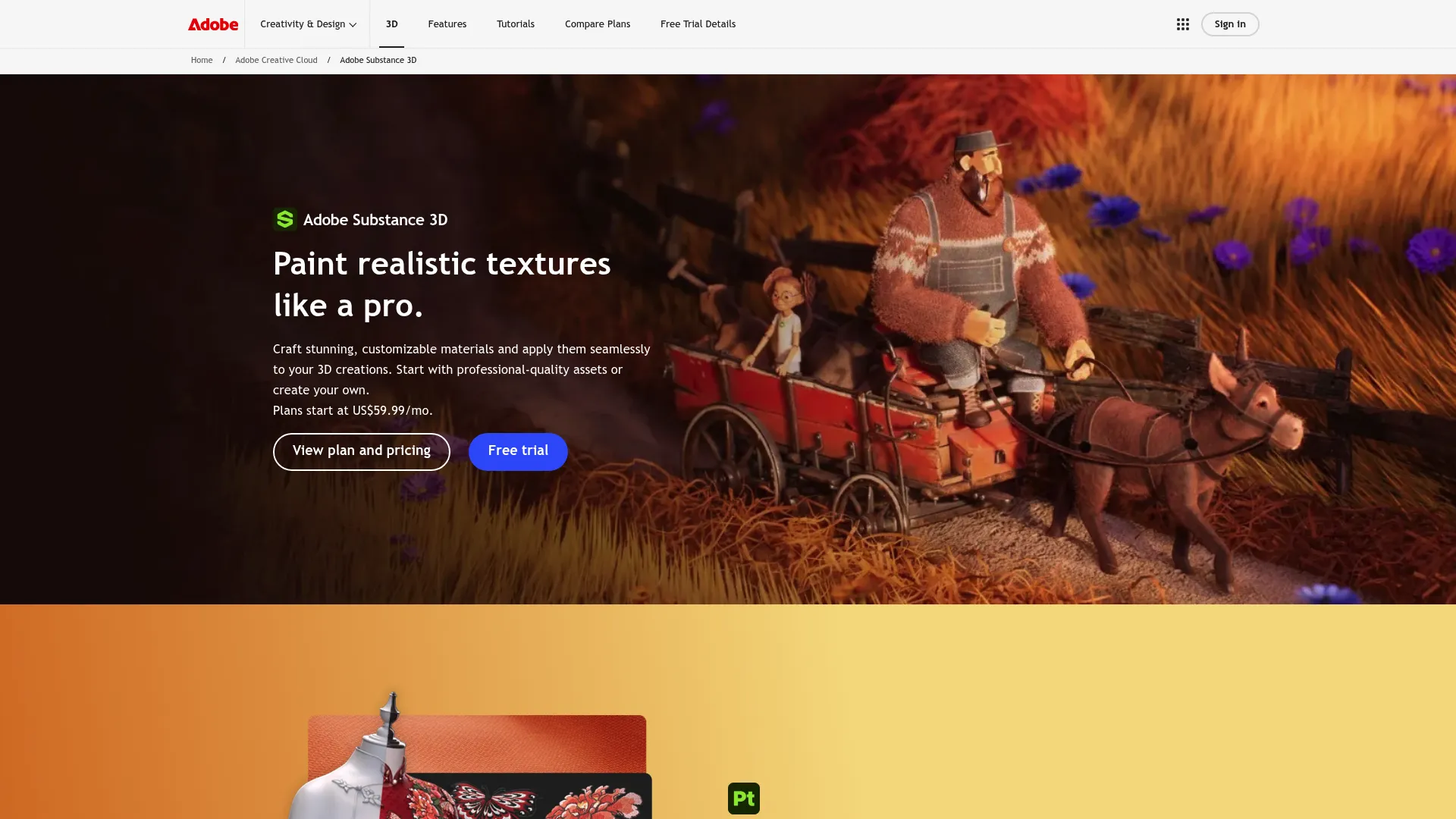
Adobe Substance 3D is Adobe's 3D content creation suite for texturing, modeling, rendering, and asset management. For product teams working on consumer goods, industrial design, or 3D-heavy presentations, it produces the materials and rendered visuals that flat mockups cannot. It is where design-to-manufacturing storytelling gets its visual credibility.
Best for: 3D artists and product teams creating textures, materials, and rendered product visuals.
Key features
- Painter for texture painting
- Sampler for capturing and generating materials
- Designer for node-based material authoring
- Rendering and asset management
Why choose Adobe Substance 3D: Choose it when your product is physical and stakeholders need photoreal visuals to evaluate it. It fits teams already inside the Adobe environment who need serious 3D depth.
Adobe Substance 3D pricing: The Collection plan for individuals is $59.99 per month and includes a 30-day free trial. The Collection for teams is $119.99 per month per license, with an education offer for students and teachers.
Adobe Substance 3D Painter holds a G2 rating of 4.6 out of 5.
5. Autodesk Fusion
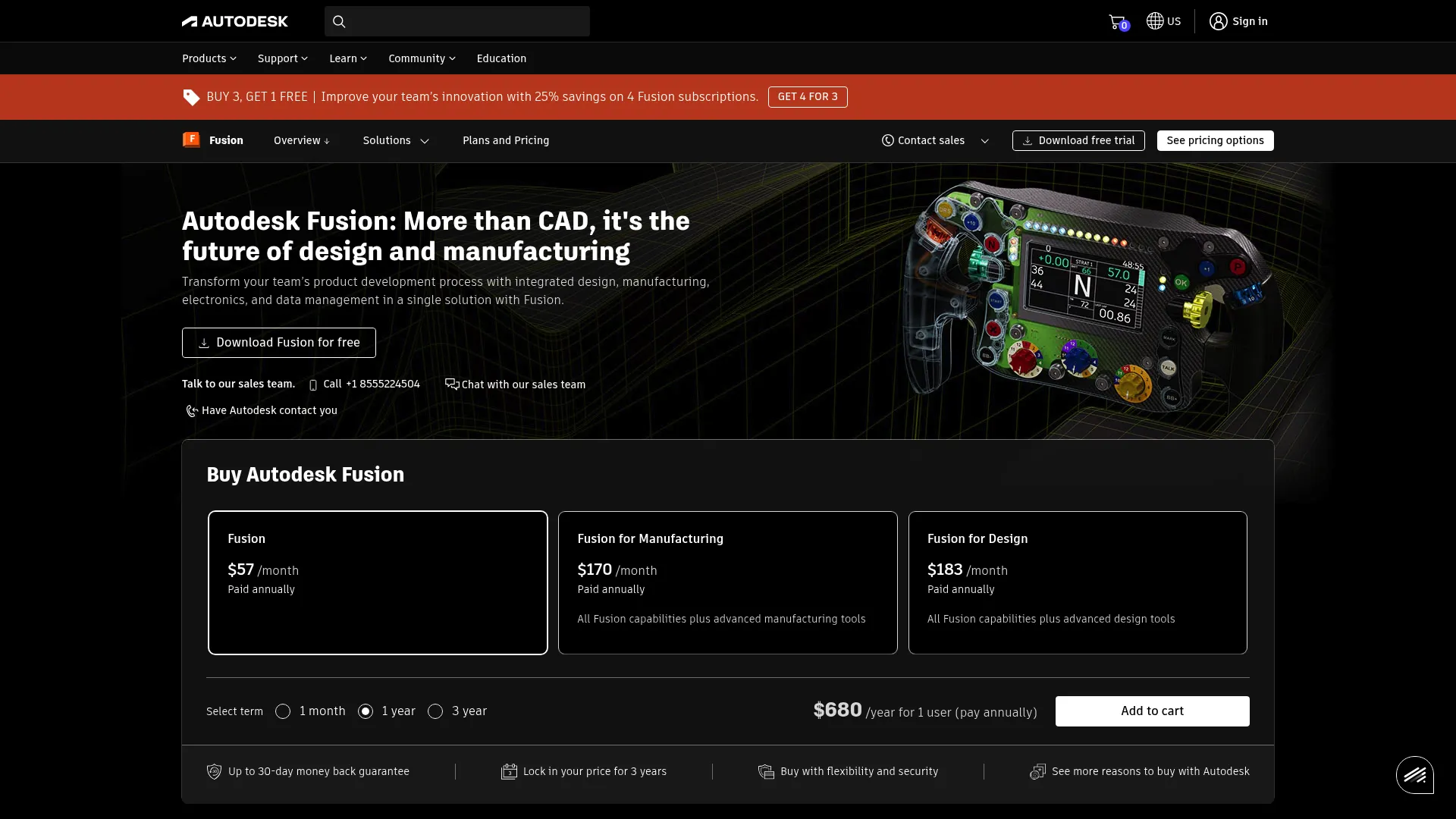
Autodesk Fusion is cloud-based product design and manufacturing software covering CAD, CAM, CAE, PCB, and data management. For PMs and product teams working under engineering and manufacturing constraints, it connects modeling, simulation, and production output in one platform. When your product ends up on a factory floor, this is the workflow that gets it there.
Best for: Design and manufacturing teams needing an all-in-one cloud CAD and CAM platform.
Key features
- 3D design and modeling
- Integrated CAD, CAM, and PCB workflows
- Simulation and manufacturing extensions
- Cloud data management
Why choose Autodesk Fusion: Choose it when design-to-manufacturing is the point, not a nice-to-have. It suits teams that need CAD, simulation, and manufacturing prep without stitching together separate tools.
Autodesk Fusion pricing: A monthly subscription is $85 per user, the yearly plan is $680 per user, and a 3-year plan is $2,040 per user. Autodesk also offers free access for non-commercial personal use.
Autodesk Fusion holds a G2 rating of 4.5 out of 5.
6. Marvel
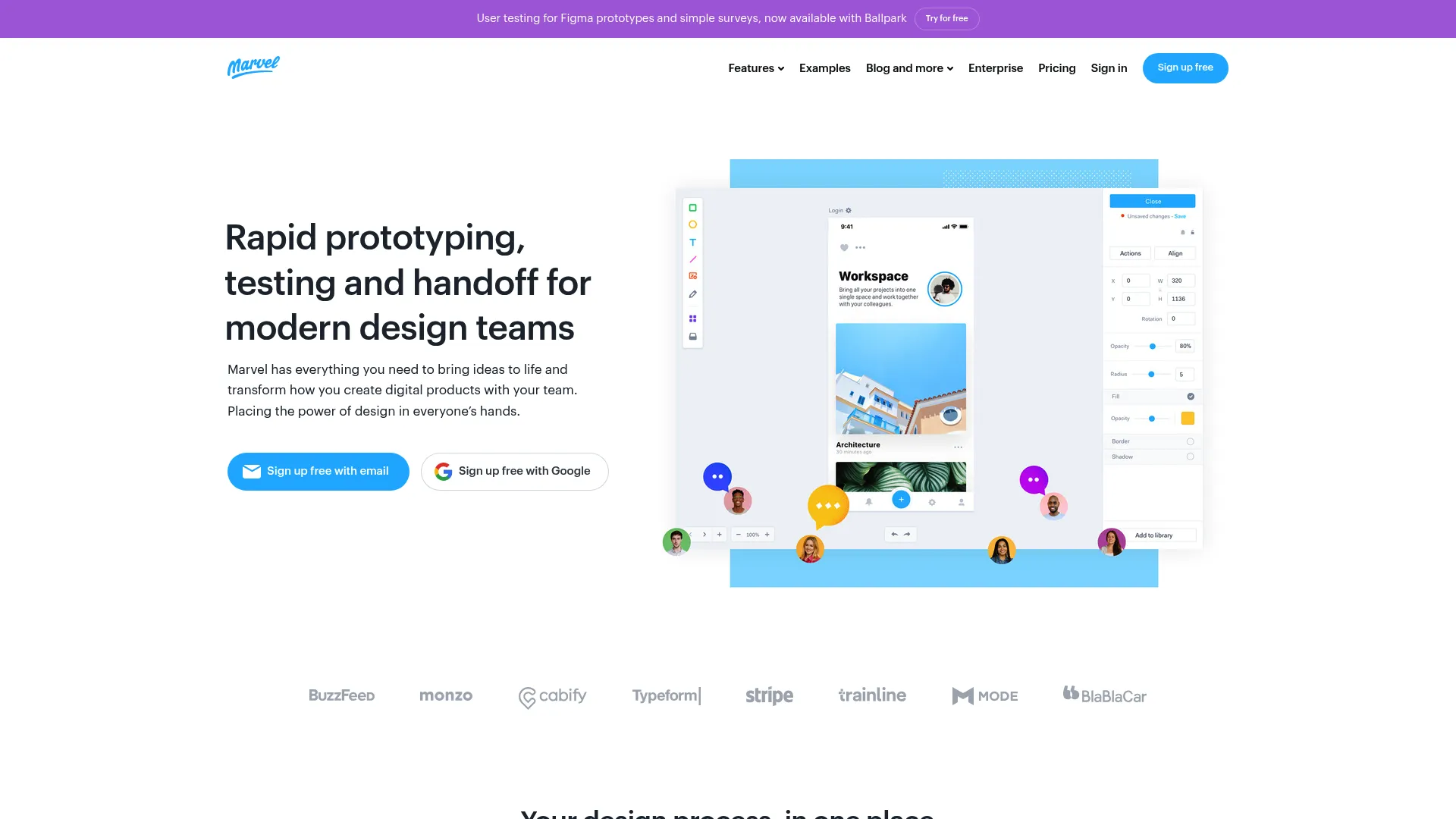
Marvel is a browser-based design, prototyping, and user testing platform. It suits fast interaction testing before a team commits to a heavier design system. For a PM who needs to put a clickable flow in front of users this week, Marvel keeps the setup light and the loop short.
Best for: Teams that want browser-based prototyping and user testing in one tool.
Key features
- Interactive prototyping
- User testing with recordings and metrics
- Developer handoff and design specs
- Browser-based collaboration
Why choose Marvel: It fits early validation, where speed matters more than a full design system. Pair it with a deeper tool once a concept proves out and needs production-grade design.
Marvel pricing: A free plan is available. Pro is $12 per month billed yearly, Team is $42 per month billed yearly, and Enterprise pricing is available on request.
Marvel holds a G2 rating of 4.4 out of 5.
7. Webflow
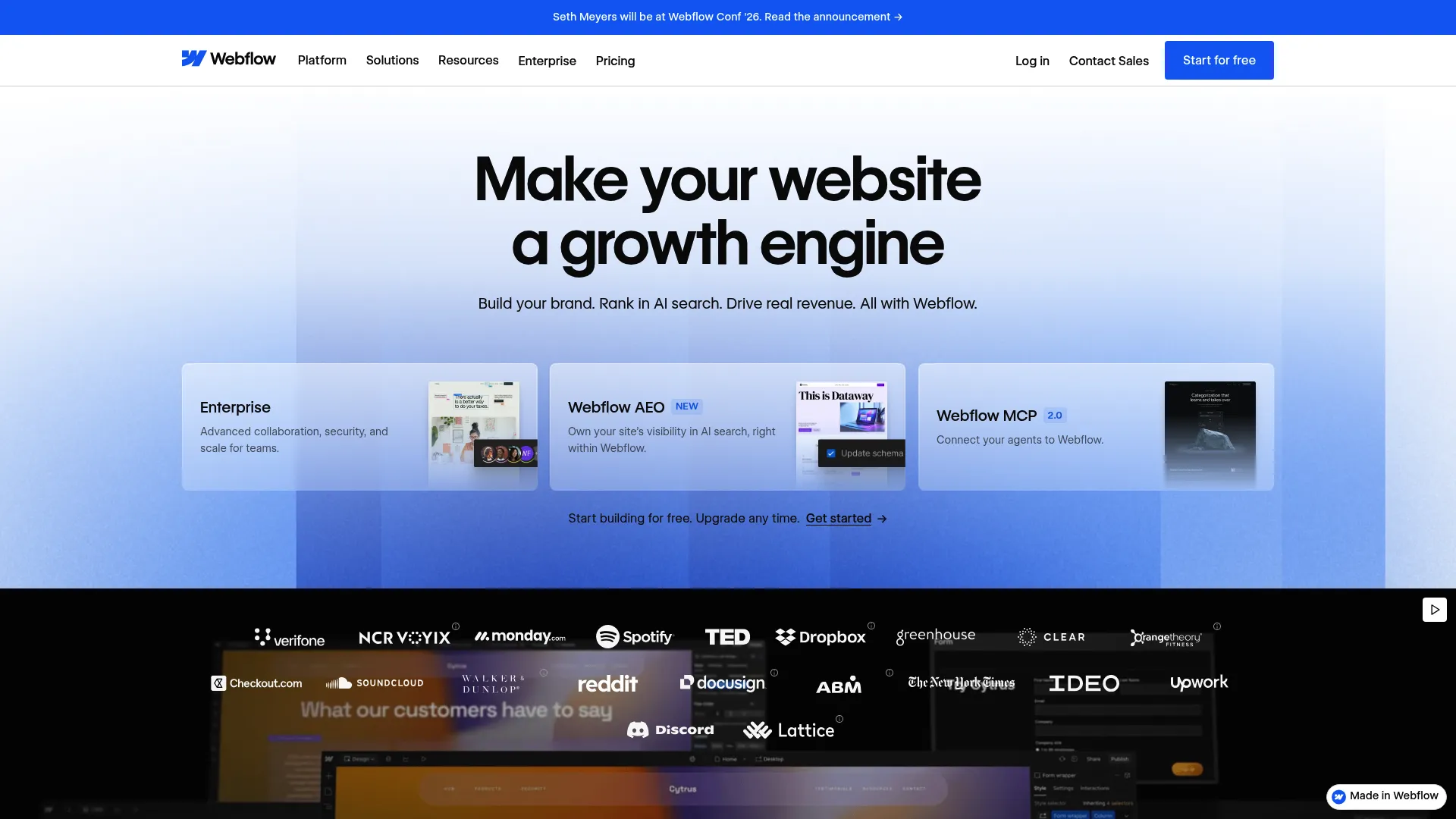
Webflow is a visual website experience platform for building, managing, and publishing sites and web apps. It sits at the design-to-build edge of this list, turning visual design directly into live pages. For teams that want to move from mockup to published marketing page or landing experience fast, it removes the traditional code-heavy handoff.
Best for: Teams that want to design, manage, and publish websites without a code-heavy workflow.
Key features
- Visual CMS and site builder
- Webflow Cloud app hosting
- AI features and MCP server
- Responsive visual design
Why choose Webflow: Choose it when the output is a live web experience, not a prototype for another team to build. It fits marketing and product teams that own web pages end to end.
Webflow pricing: The Starter site plan is free. Basic is $15 per month, Premium is $25 per month, and the Team plan is $2,500 per month with an annual contract. Enterprise pricing is custom. Prices are billed yearly and quoted per site.
Webflow holds a G2 rating of 4.4 out of 5.
Considerations
Before you commit, weigh these criteria against your team's actual outcomes.
Collaboration and version control
Look at how the tool handles multiple editors, comments, and version history. If your product ships on a fast release cadence, a tool that keeps one source of truth prevents the "which file is final" churn that wastes cycles. Distributed teams especially need real-time editing.
AI assistance and output quality
AI product design software can compress early exploration, but output quality varies. Test whether generated wireframes and UI actually save time or create rework. The value is in reaching a shareable first draft faster, not in shipping raw AI output.
Prototyping depth
Decide how interactive your prototypes need to be. Lightweight click-through flows suit quick user tests. Complex flows with variables and branching need a deeper tool. Match the prototyping depth to your validation stage, not the other way around.
Design system support
If you maintain components across many screens, design system support is not optional. Check for shared libraries, tokens, and controls that keep your interface consistent as the product scales across segments and use cases.
CAD or manufacturing interoperability
For physical products, interoperability decides everything. Confirm the tool exports the formats your engineering and manufacturing partners need, and that simulation and CAM output map to your production process. A design tool that stops at the visual leaves a gap someone else has to close.
Conclusion
The right pick depends on where your workflow lives, not which brand shows up most.
For AI-assisted concept exploration, UX Pilot AI gets you to a shareable draft fast. For collaborative product teams, Figma keeps everyone on one surface, and Sketch does the same for macOS-first teams. Marvel handles lightweight prototyping and user testing. For physical products, Autodesk Fusion covers CAD and manufacturing while Adobe Substance 3D handles 3D visualization. Webflow turns design into live web pages.
Do not overthink the shortlist. Pick your top two and test them against one real workflow this week, whether that is an onboarding flow, a new feature prototype, or a design-to-dev handoff. The tool that reduces friction on your actual work is the right one, regardless of its rating.
If your next step involves showing that product experience to prospects or users, Guideflow lets you turn it into an interactive, self-serve walkthrough people can explore on their own.
Start your journey with Guideflow today!
FAQs
What is the difference between product design software and prototyping software?
Product design software is the broad category covering ideation, high-fidelity design, collaboration, and sometimes CAD or manufacturing. Prototyping software is a subset focused on wiring interactions and flows for testing. Tools like Marvel lean toward prototyping, while Figma spans design and prototyping together.
Which product design software is best for product managers?
Figma is the common default for PMs at SaaS companies because it centralizes design, prototyping, and developer handoff on one collaborative surface. If you run heavy early discovery, UX Pilot AI speeds up concept generation. The best fit depends on whether your bottleneck is collaboration or speed to a first draft.
What is the best AI product design software in 2026?
UX Pilot AI is a strong pick for AI-assisted product design because it generates wireframes and high-fidelity UI from prompts, then exports to Figma. It works best as a fast starting point for early concepts rather than a replacement for final design work. Test its output against your own workflow before committing.
Do product design tools support collaboration with engineering?
Yes. Figma and Sketch both include developer handoff features, with inspect modes, specs, and design tokens that reduce build friction. Figma's Dev Mode is built specifically for engineers to pull accurate values and assets directly from designs.
Which tools work best for 3D or manufacturing design?
For 3D visualization, texturing, and rendered product visuals, Adobe Substance 3D leads. For CAD, simulation, and design-to-manufacturing, Autodesk Fusion covers modeling through production output. Digital-only tools like Figma or Marvel do not cover physical product workflows.
Is Figma enough for product design teams?
For most digital product teams, Figma covers design, prototyping, collaboration, and handoff in one tool, so it is often enough on its own. Teams doing heavy AI-assisted ideation may pair it with UX Pilot AI. Teams building physical products will need a CAD tool like Autodesk Fusion alongside it.
When should a team choose CAD over design software?
Choose CAD when your product is physical and headed to manufacturing. CAD tools like Autodesk Fusion handle parametric modeling, simulation, and production files that interface-focused design tools cannot. If your output is screens and flows, standard product design tools are the right call.
What should a PM look for before buying product design software?
Prioritize workflow fit, collaboration depth, prototyping capability, and integration with your data and analytics stack. Check maintainability across frequent releases and how easily the tool scales across personas and use cases. Then test your top two picks against one real workflow before rolling anything out.